This feature is available only to the Pro license users.
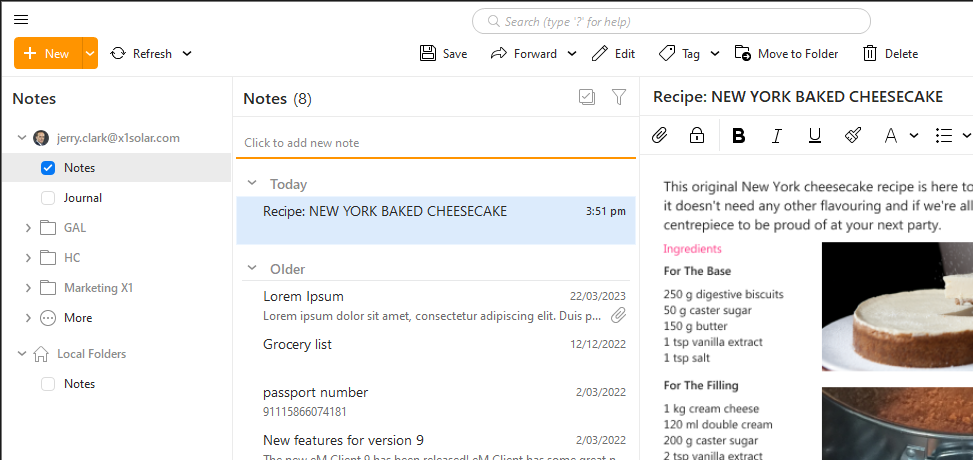
Notes are meant as a place to store information about something. It’s like writing an email without a recipient.
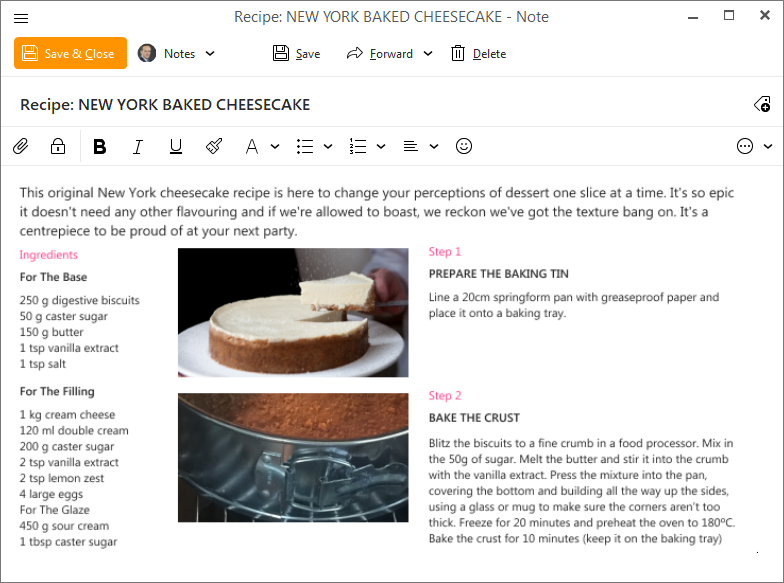
eM Client supports local and server-side Notes. You can write fancy notes with pictures and attachments, organize them via tags, and sync notes across all your devices.
Server-side notes currently work with Exchange, Office365 and IceWarp accounts.
You can get to the Notes View by clicking on the notepad icon in the bottom left corner of eM Client  or by clicking the three dots
 in the lower right corner and selecting “Notes”
Individual notes can be exported from eM Client in a vNote file (.ics) format.
eM Client Notes can also import new notes from vNote .ics files.